OEM Printer Drivers
Imaging Toolkits
Automated Printing
End-User Virtual Printer Drivers
End-User Virtual Printer (PSA)
Batch Converters
Printing Tools
Document Viewers
HTML5 Viewers
Forms
Print Automation
Impact Fax
Email Automation
Development Tools
Document Converter Printer Drivers, OEM Printer Drivers for Developers, BiLPDManager, Auto-print SDK for Automated Printing Solutions, Imaging Toolkits, Barcode Toolkits
Impact Products
BiBatchConverter, Print2Email, Print2RDP, Print2Desktop, IceViewer editions, FileFlow, Impact Fax Broadcast
Purchase Information
Support
Knowledge
License Key Request
Newsletters
Company
Buy Now Download
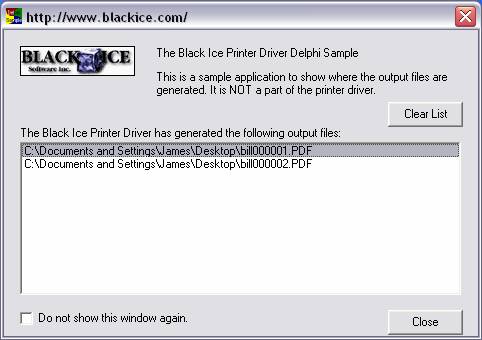
The printer driver generates a ‘group file’ when the printing is finished. The group file contains information about the printed image, including the image format (TIFF, JPEG, etc.), color depth, number of pages, and the name and full path of the generated images.
An application can read the group file and process the output images (copy, move, rename, etc.).
The OutputFileName sample will show how to get the name of the output images from the group file.
Back to Sample Comparison Chart page
You are here:
Home > OEM Black Ice ColorPlus Desktop > Output File Sample
 Buy Now
 Download