Download
Included in Impact Fax Broadcast, Impact Fax Server and Impact ColorFax
Get a free copy of Fax Cover Page Generator and Editor with Impact ColorFax!
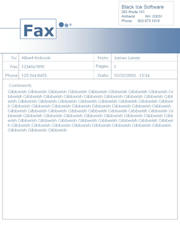
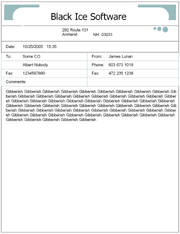
Three cover pages are in full color and three are in monochrome.
|
|
|
| Color Cover Page 1 | Color Cover Page 2 |
Impact Cover Page Generator and Editor Features:
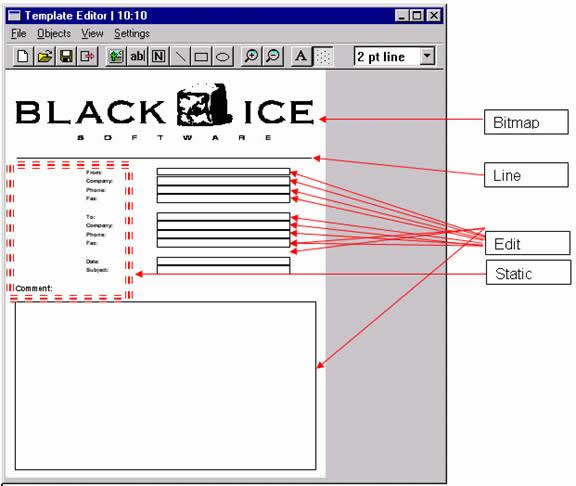
- Cover Page Template Editor - A high level tool to create and edit fax cover sheet templates
- Color Cover Page editor for Fax Applications
- Cover Page Template Editor has 11 predefined edit field types
-
- From - The Sender's Name
- From - The Sender's Company Name
- From - The Sender's Phone Number
- From - The Sender's Fax Number
- To - The Fax Recipient's Name
- To - The Fax Recipient's Company Name
- To - The Fax Recipient's Phone Number
- To - The Fax Recipient's Fax Number
- Fax Date
- Fax Subject
- Cover Page Comment
- User Definable Field
- Powerful Cover Page Editor including the following functionality
-
- Grid display
- Place image or logo on template
- Dynamic Text Box - text can be automatically extracted from the Impact Fax application's phonebook
- Static Text Field Button
- Draw Line
- Draw Ellipse
- Draw Rectangle
- Change Line Width
- Change Font
- Place pictures such as company logos on the cover page.