 Buy Now
 Download
ColorPlus PSA Printer is Black Ice’s next-generation virtual printer built for Microsoft’s Print Support App (PSA) model and the Windows Protected Print (WPP) era.
Installed per user with no kernel-level driver, ColorPlus PSA Printer delivers a modern, secure path for virtual document conversion.
Generate PDF or TIFF files, run silent print workflows, deliver by email, or upload over HTTP—so you can move forward with confidence without legacy driver risk.
WPP & PSA Ready
Built for Microsoft's Print Support App (PSA) model and the Windows Protected Print (WPP) era.
PDF + TIFF Output
Produce high-quality PDF or TIFF documents with flexible size, orientation and resolution settings.
Silent Automation
Run fully silent print workflows with no user interaction for unattended batch processing.
Email & HTTP Delivery
Deliver documents by email or upload over HTTP for seamless integration into your workflows.
Flexible Installation and Setup
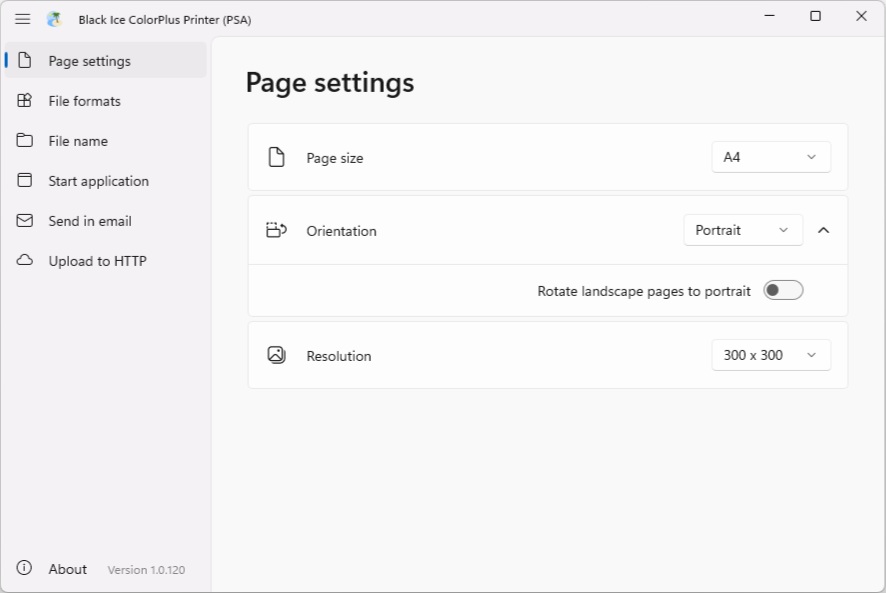
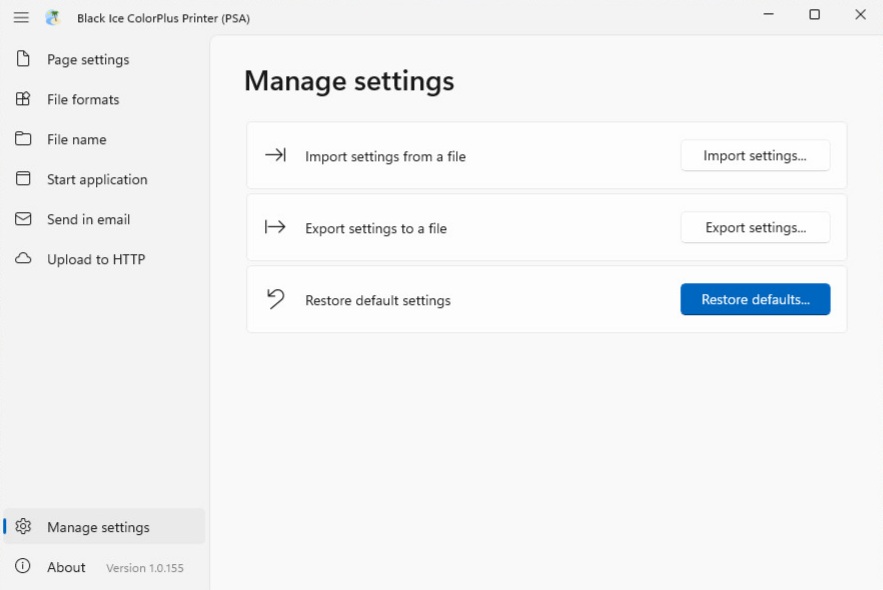
Deploy easily with MSI and MSIX installers tailored for individual users or large-scale corporate rollouts. Quickly adjust your page settings and resolution in one unified panel, and you’re ready to print in seconds.
A Fresh, Familiar Look
Experience a simpler way to work with our new, clean, and organized dashboard. Everything you need is right at your fingertips—no more digging through old-fashioned menus. Just a smooth, easy design that lets you finish your printing and converting in record time.
Modern Document Conversion
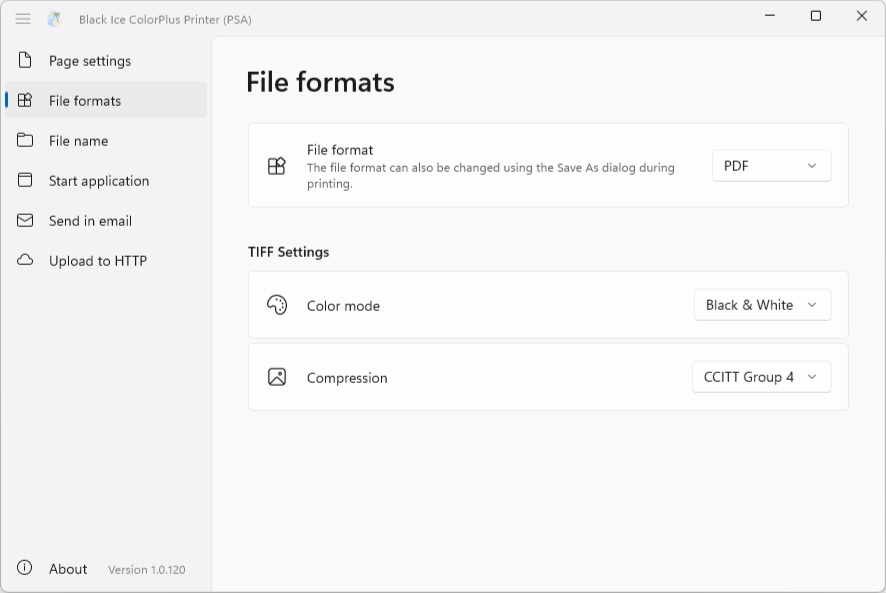
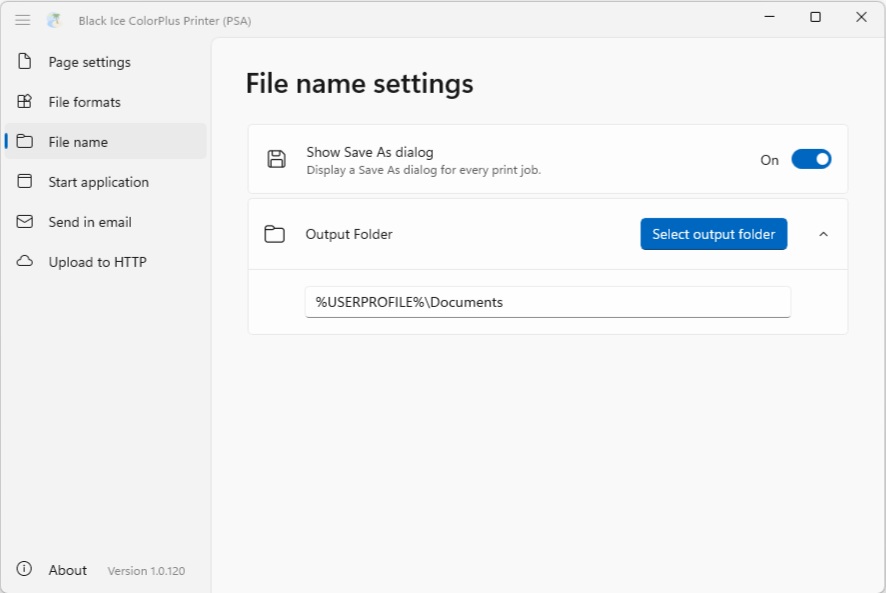
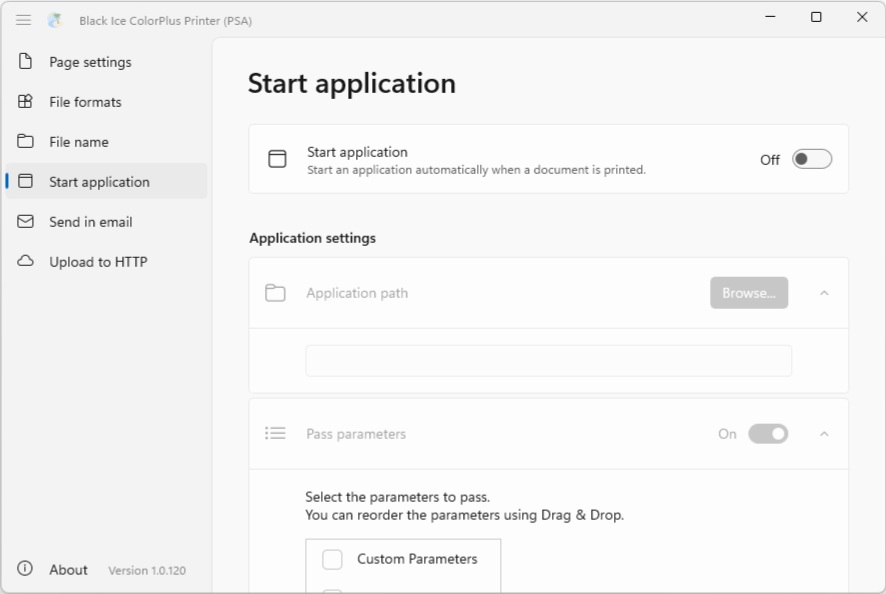
Convert documents to PDF or TIFF with high fidelity and consistency. Streamline your workflow by selecting a dedicated output folder and triggering automated post-processing applications immediately after conversion.
Built for Workflow Automation
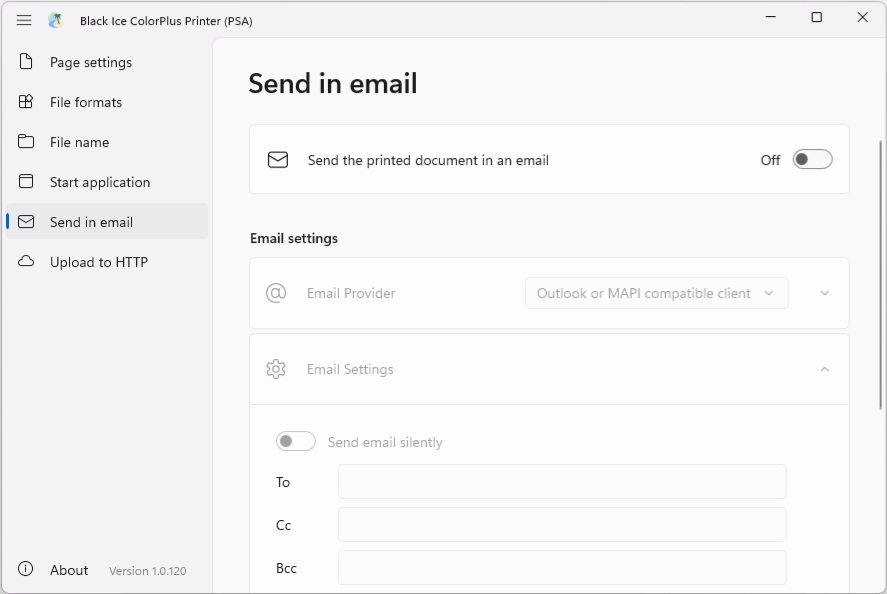
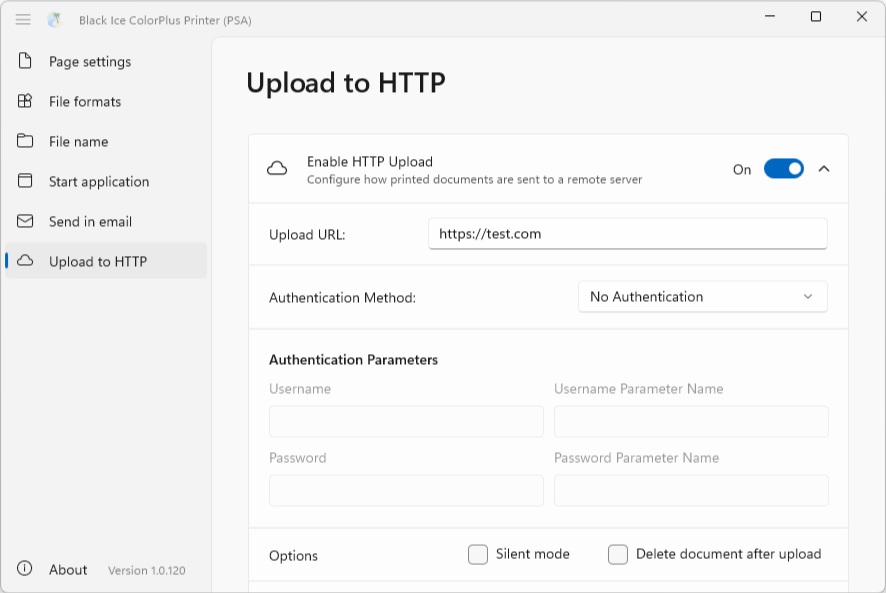
Send documents by email using Classic Outlook, Microsoft 365 / Google OAuth, or SMTP. Upload files silently via HTTP(S) to your web service endpoint and automatically delete files after a successful upload to keep your environment clean and efficient.
Why choose the ColorPlus PSA Printer?
| Feature | Legacy ColorPlus Printer Driver | New ColorPlus PSA |
|---|---|---|
| Windows Compatibility | Being phased out by Microsoft. | Built for modern Windows 11 & Server 2025. |
| Security | Risks like PrintNightmare | Secure User-mode execution. |
| Future Proofing | Not compatible with "Protected Print Mode." | Compliant with modern security standards. |
| Architecture | High system overhead. | Lightweight, modern architecture. |
Supported Operating Systems
Core Platform
Versatile Deployment
Supports simple user-level setups or automated enterprise scaling.
No Kernel-Level Driver
Driverless architecture enhances stability, security, and compatibility.
Flexible Page Sizes
Supports all standard page sizes to fit your documents.
Orientation & Resolution
Choose portrait or landscape and set DPI from 100 to 1200.
Output & Document Creation
PDF Output
Produce high-quality PDF files with flexible settings and metadata.
TIFF Output
Create TIFF files with support for multiple page and image formats.
TIFF Color Modes
Output in Black & White, Grayscale, 8-bit Color, or 24-bit True Color.
TIFF Compression
Choose from None, LZW, PackBits, CCITT Group 4, and JPEG.
Workflow Automation
Visible or Hidden Save As
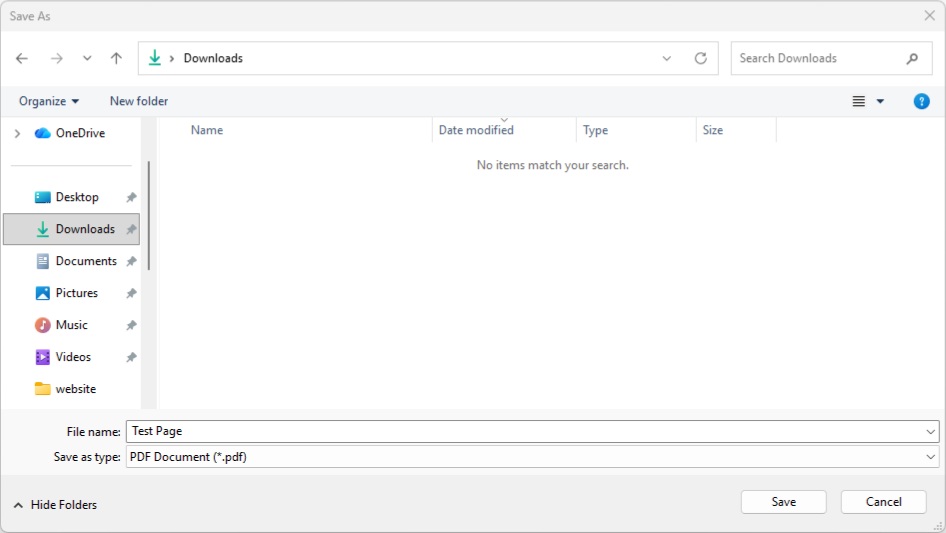
Show or hide the Save as dialog for a guided or fully automated flow.
Silent Printing
Run unattended print workflows with no user prompts or interaction.
Default Output Folder
Set the default folder for output files to keep workflows consistent.
Classic Outlook Email
Send documents via classic Outlook with full control and easy setup.
OAuth & SMTP Email
Authenticate with OAuth or send via SMTP for secure email delivery.
HTTP Upload
Upload files to web services or APIs using HTTP(S) with custom headers.
Delete After Upload
Remove files automatically after successful upload to save space.
Silent Delivery
Enable completely silent delivery for unattended, background operation.
Advanced Integration
Custom Parameters
Pass custom key/value parameters for dynamic, context-aware workflows.
- End-User for Desktop
- Windows/Citrix Server
ColorPlus PSA Printer pricing
ColorPlus PSA Printer server licensing is designed for Windows/Citrix environments and is renewed annually.
Choose the option that best fits your server deployment needs.
| ColorPlus PSA Desktop Licenses | Subscription Price (Renewed Annually) | |
|---|---|---|
| Single License | $59.99/year | Buy Online |
| 5 License Pack | $269.99/year | Buy Online |
| 10 License Pack | $449.99/year | Buy Online |
| 25 License Pack | $749.99/year | Buy Online |
| 50 License Pack | $1,199.99/year | Buy Online |
| 100 License Pack | $1,499.99/year | Buy Online |
| Corporate License | Please call |
| ColorPlus PSA Server Licenses | Subscription Price (Renewed Annually) | |
|---|---|---|
| 1 Server No User License required Unlimited Users / Server |
$350.00 / Year | Buy Online |
| 2 Servers No User License required Unlimited Users / Server |
$630.00 / Year | Buy Online |
| 3 Servers No User License required Unlimited Users / Server |
$840.00 / Year | Buy Online |
| 4 Servers and above No User License required Unlimited Users / Server |
Please Call |
MSI Installer for large-scale deployment
ColorPlus PSA Printer supports streamlined enterprise deployment with per-user installation. Preconfigured installers allow IT administrators to simplify rollouts and ensure consistent configuration across managed environments.
MSI and MSIX deployment made simple
Administrators can deploy preconfigured ColorPlus PSA Printer installations without a kernel-level driver. This reduces rollout complexity, minimizes system impact, and helps ensure secure, consistent installations across your organization.
The MSI installer is compatible with enterprise deployment tools such as Microsoft Intune and other standard deployment workflows.
The MSI installer includes the following deployment features:
IT Administrator
Preconfigured
MSI Package
Deployment
Tool / Intune
Managed Devices
(User Systems)
ColorPlus PSA Printer
Installed (Per User)