
How to turn off the Windows Protected Print Mode
To disable the Windows Protected Print Mode, follow the steps below.
On Windows 11 and Windows 2025 Server systems
-
Click the Turn Off button
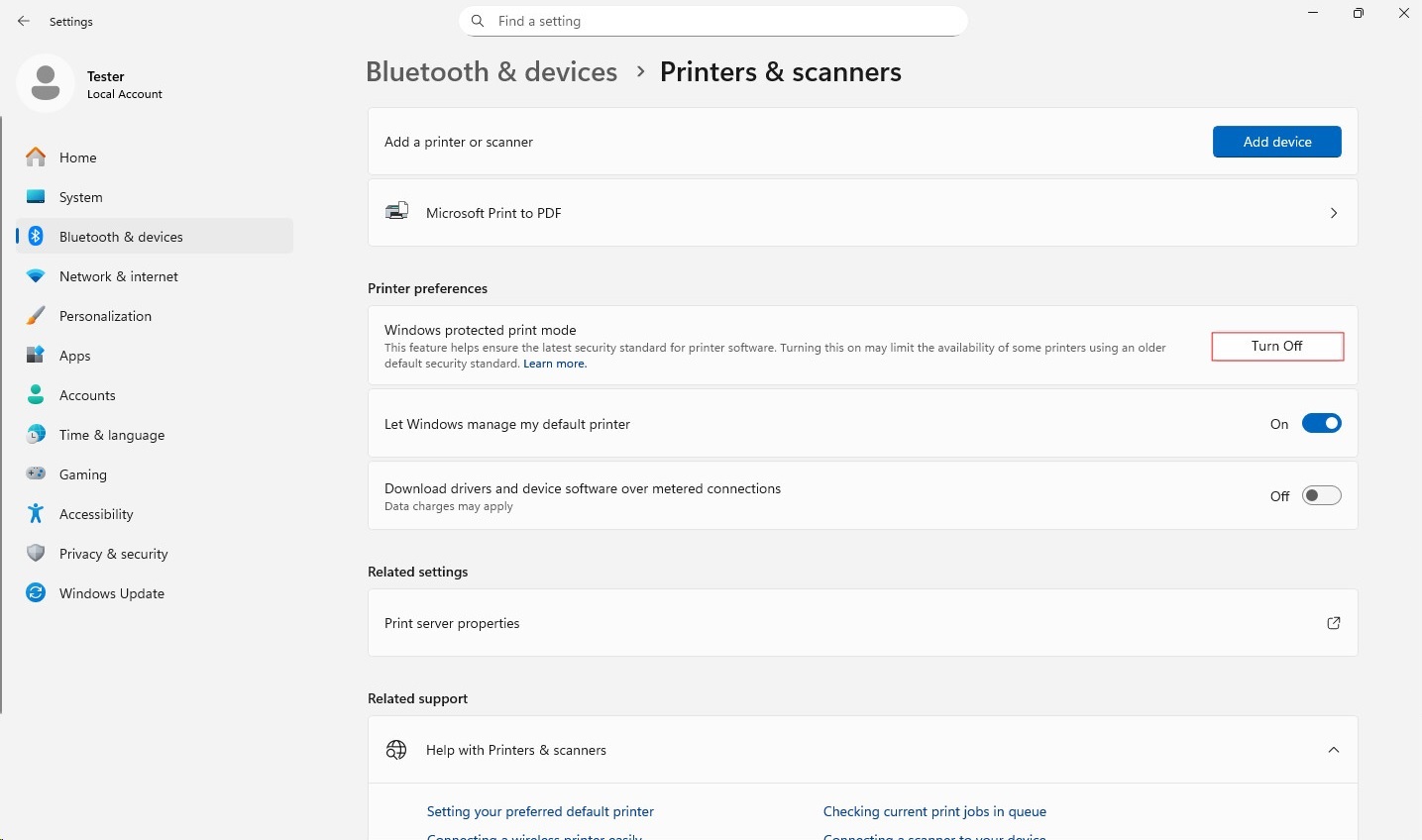
To disable the Windows Protected Print Mode, follow the steps below.
On Windows 11 and Windows 2025 Server systems