Uninstalling the IceViewer HTML5
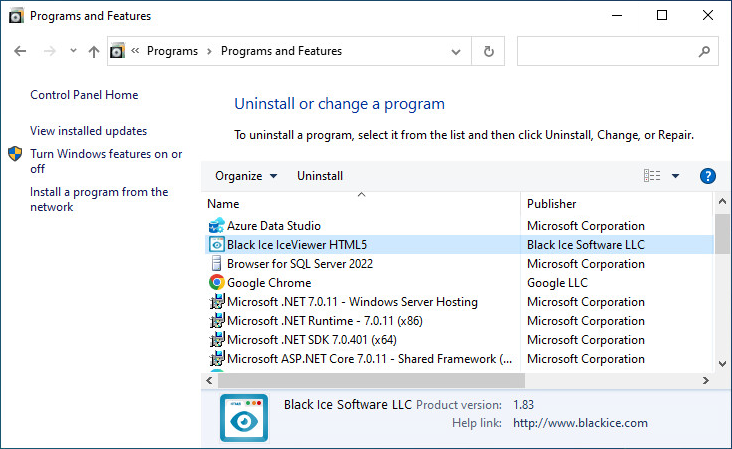
In order to uninstall the IceViewer HTML5, go to Control Panel > Programs and Features and select the IceViewer HTML5, and click Uninstall.
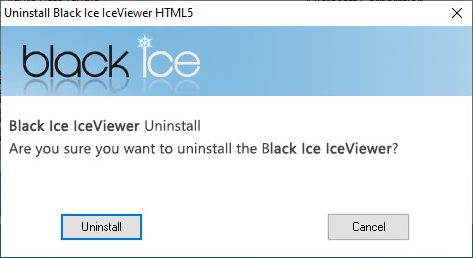
On the appearing window, click on the Uninstall button.
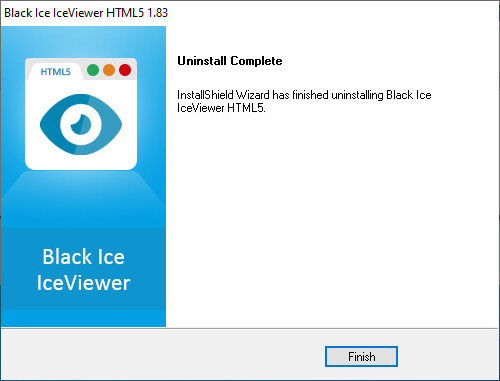
The uninstallation will remove the files. When the installation is complete, the following window appears. Click Finish to close the uninstallation.