
I cannot access the website from other computers
In most cases, this issue is caused by the Windows Firewall which blocks the configured website port.
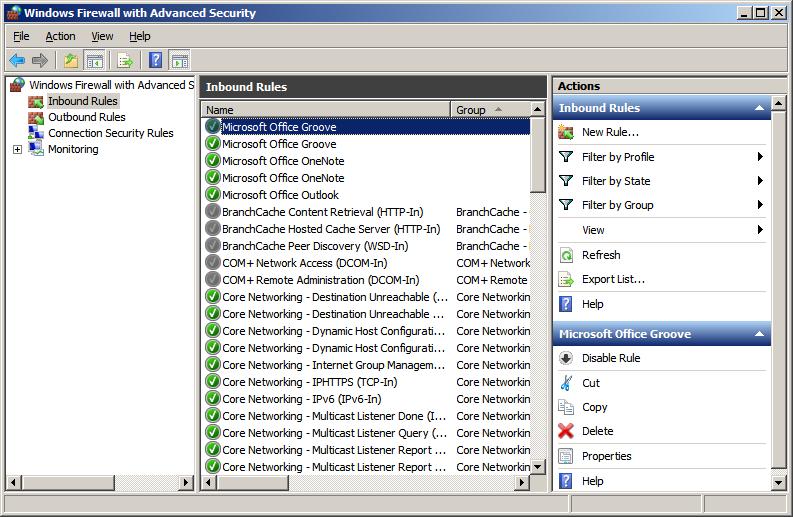
To enable the website through the Firewall, go to Control Panel > Windows Firewall with Advanced Security > Inbound Rules > New Rule…
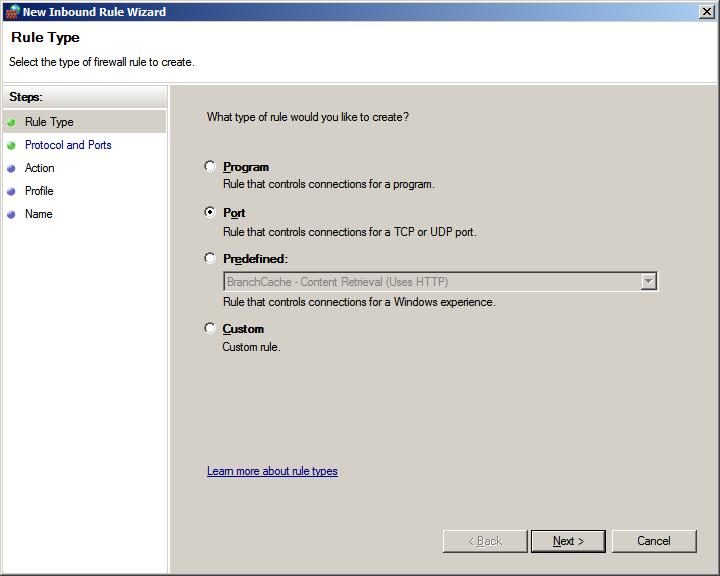
Through the Rule Wizard, select Port and proceed
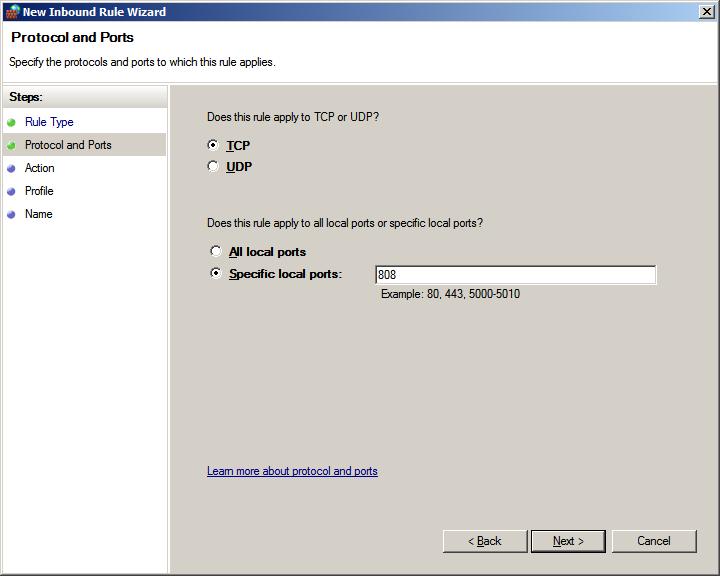
Select TCP and enter the website port number, then click on the Next button.
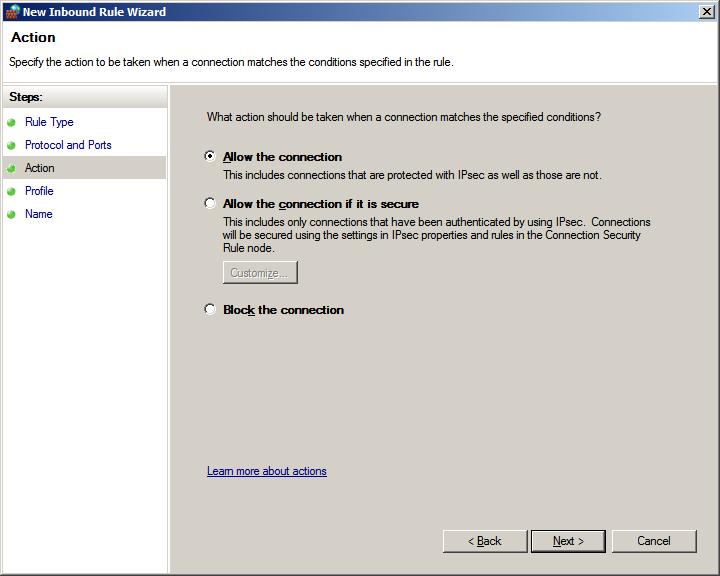
Select Allow the connection and click on the Next button.
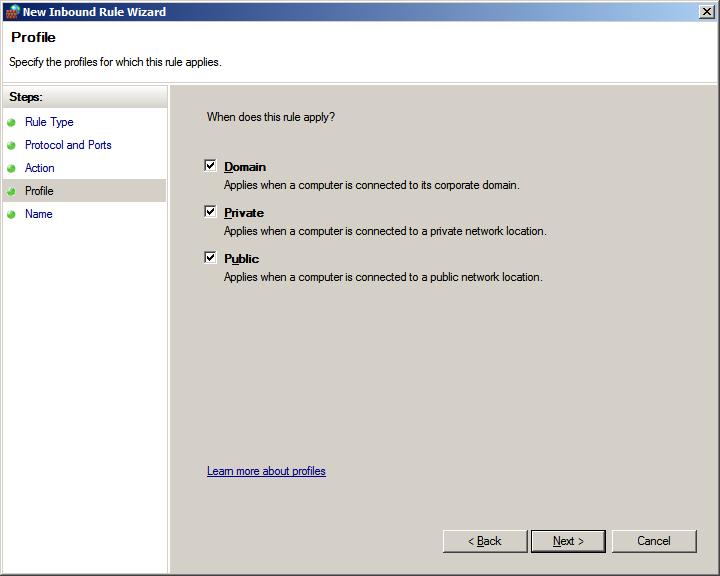
Select where should the new rule be applied, then click on the Next button.
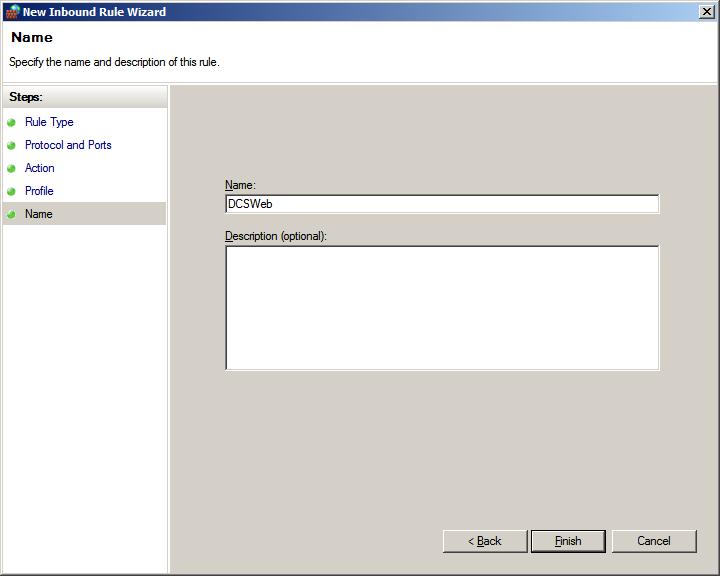
Enter a name, and click on the Finish button.
The new rule has been added. Please try accessing the website again.