
Upgrading the FileFlow License
To upgrade FileFlow the Administrator must perform the following steps:
- Uninstall the old version of the FileFlow.
- Reinstall the new version of the FileFlow.
- Register the product with the same (original) serial number).
Registering the FileFlow can be initiated by clicking on the Activate button when starting FileFlow, or from the FileFlow > About tab.
Note: Please make sure the FileFlow application is launched as administrator.
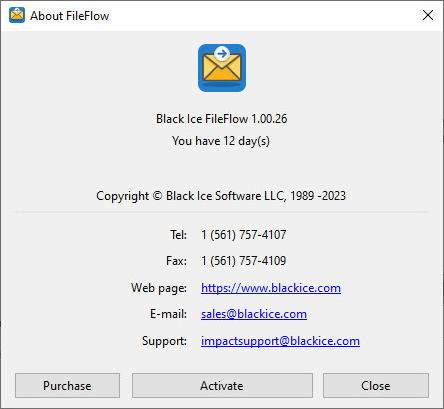
Click on the Activate button. The following dialog appears:
.png)
Enter the serial number in the text field and press OK. The serial number is in the body of the email containing download instructions for the FileFlow.
To see if the registration/activation is successful, please navigate to the FileFlow > About tab to see if the registration was successful.
.png)
If registration failed, see the Manually registering the FileFlow Release (purchased version) section.