
Updating the FileFlow
Users can update the FileFlow without restarting the system and preserving every user configuration for the FileFlow.
In order to update the FileFlow, one has to start the installer of the FileFlow as an Administrator.
NOTE: Updating the Evaluation version of the FileFlow is not supported.
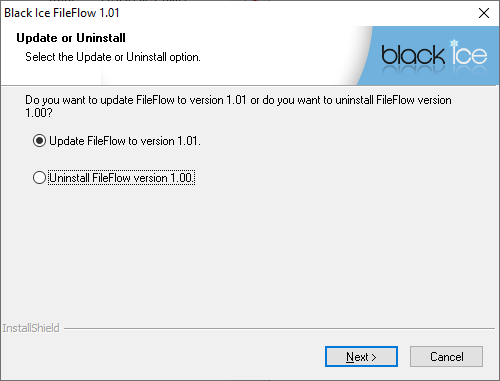
When starting the FileFlow installer the following window appears. To update FileFlow please select Update the FileFlow and click Next.
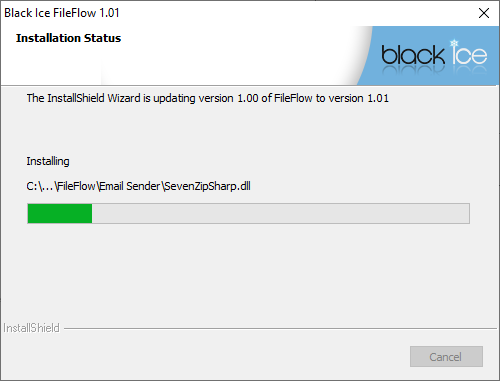
The installer will update the FileFlow, while preserving configurations.
When the update is complete the following window appears:
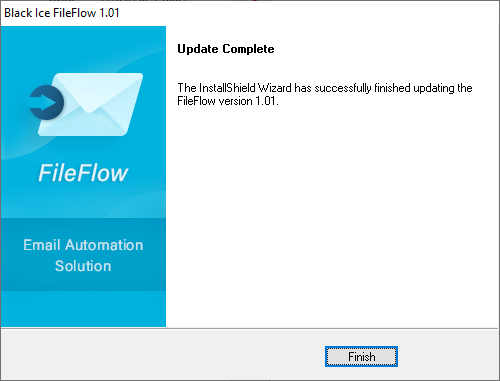
Click Finish to complete the FileFlow update.