Uninstalling the FileFlow
On Windows 11:
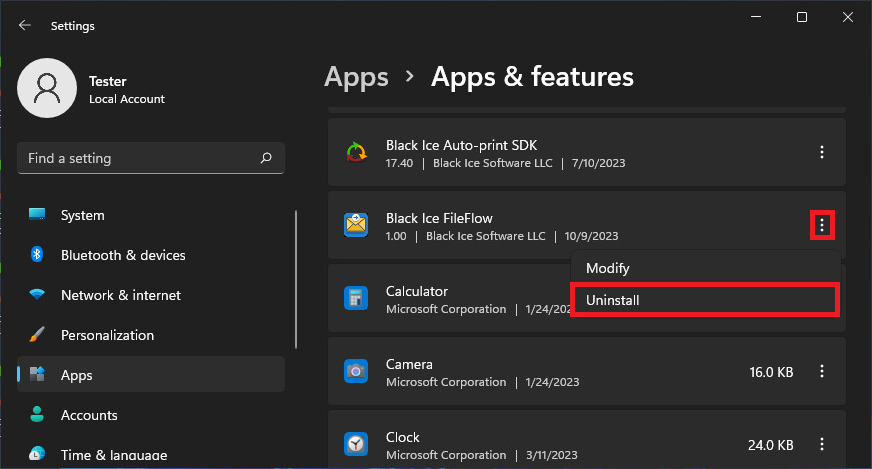
- Click on the Start button on the taskbar and navigate to Settings > Apps > Apps and Features (Installed apps).
- Click on the three dots next to the FileFlow and select Uninstall.
- Follow the onscreen instructions.
On Windows 10 or older desktop systems:
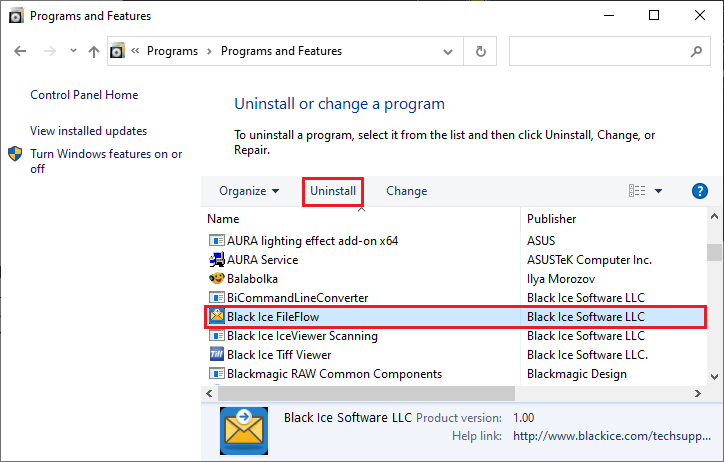
- Click on the Start button on the taskbar and navigate to Control Panel > Programs and Features.
- Select the FileFlow and click on the Uninstall button.
- Follow the onscreen instructions.