 button.
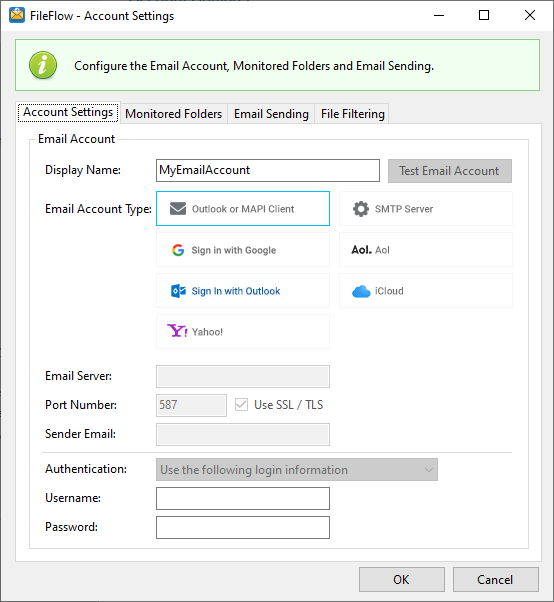
To add email accounts for email sending and folder monitoring, and configure email settings, please click on the Add button.
To read more about email account configurations, please see:
Once an email account is configured, it will be listed on the FileFlow user interface.
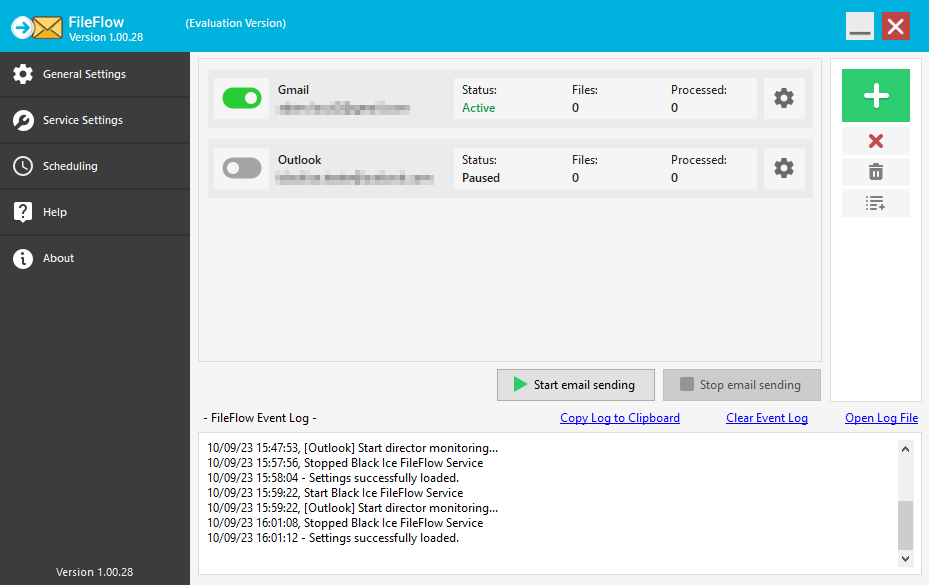
The user can enable or disable the email sending/monitoring for an email account by using the toggle switch  .
.
The Status field indicates if the email sending/monitoring is active or paused.
The Files field indicates the number of files in the Monitored folder, while the Processed field shows the number of sent files.
To change the configuration of an email account, please click on the Settings  button.