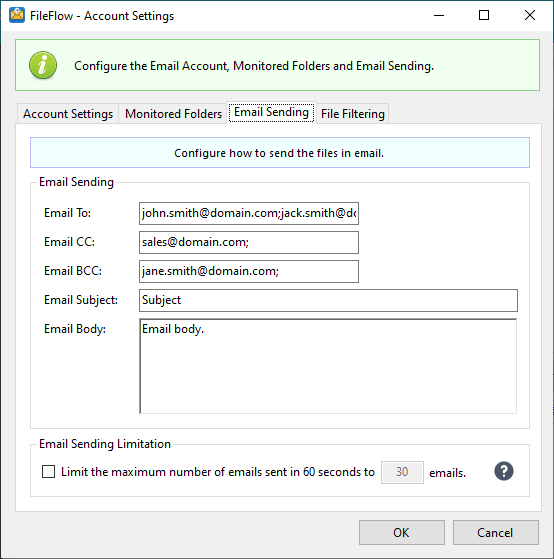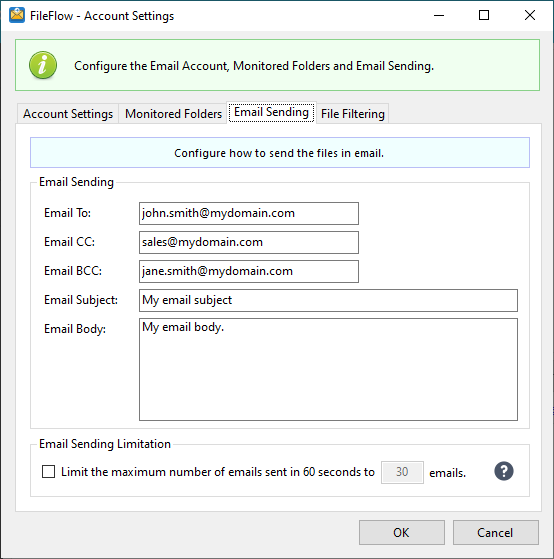
On the Email Sending tab, the predefined recipients, subject, and email body can be configured.
Email Sending Limitation
The user can limit the number of email sent in 60 seconds, by enabling the Limit the maximum number of emails sent in 60 seconds to [number of emails] emails checkbox. If the option is enabled, the value is set to 30 by default.
How to Send an Email to Multiple Recipients
To send emails to multiple recipients, please separate the email addresses with a semicolon (;) when entering addresses into the To, Cc, or Bcc fileds.