
Printer Settings
This section allows the user to specify the type of file that the document is converted into, along with several other options. The Print2Email Server Printer Properties have several tabs, each of which contains different settings that allow users to control how and what Print2Email Server creates.
For complete details on the Print2Email Server printer settings, see the Using the Print2Email Server Printer Driver section of this manual.
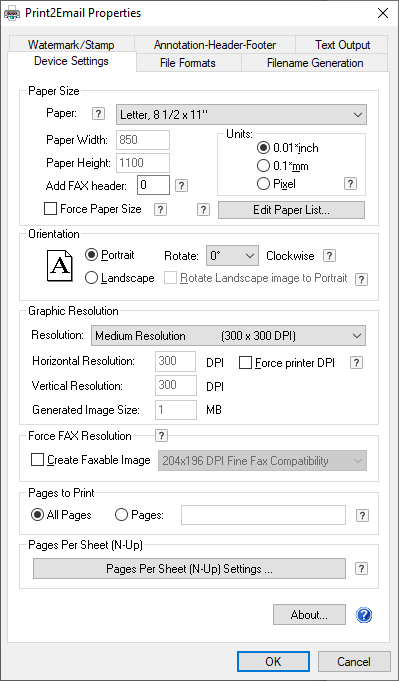
NOTE: Print2Email Server may not work properly if the printer settings are altered, and it is recommended that users change the settings only after reading more about the Print2Email Server printer settings.
It is recommended that the default settings be used; however, it is useful to change the image file type and resolution depending on what is being sent and whether the user wants to send the image as an email attachment or just use the Print2Email Server driver for image conversion.