
Configuring the Print2Email Server Using the Control Center
The Print2Email Server Control Center has several settings that can be customized for ease of use. The user can access the Control Center by double clicking on the Print2Email Server icon on the system tray, on the Desktop, or from the Start menu. The following window appears:
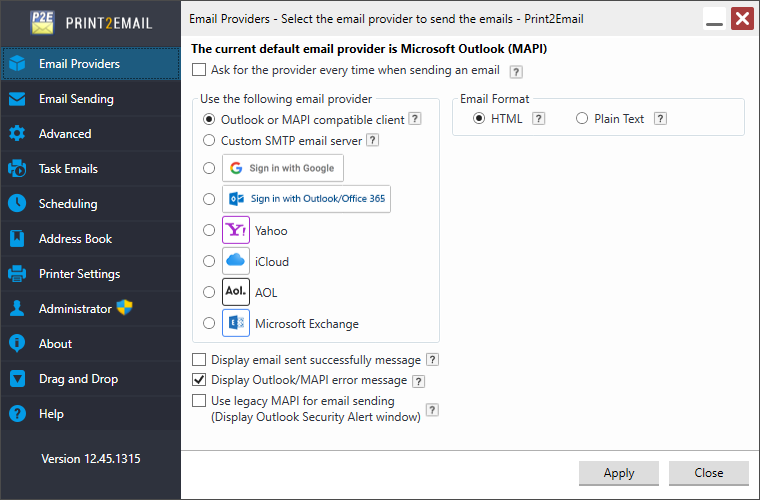
For more information, please see: