
Frequently Used Configurations
The Print2Email Server printer works like any standard Windows printer. Simply print to it from any application to convert your document and prepare it for email sending.
How to Print with Print2Email Server
- Install Print2Email Server.
- After installation, “Print2Email Server” appears in your Windows printer list.
- Open the document you want to print.
- Choose Print in your application and select Print2Email Server as the printer.
- Click OK to send the print job.
If needed, click Properties before printing to adjust settings such as format, resolution, or email options.
Changing the printer settings from Print2Email Server
You can also modify Print2Email Server’s default settings directly from Print2Email Server:
-
Open Print2Email Server and click on the Printer Settings button.
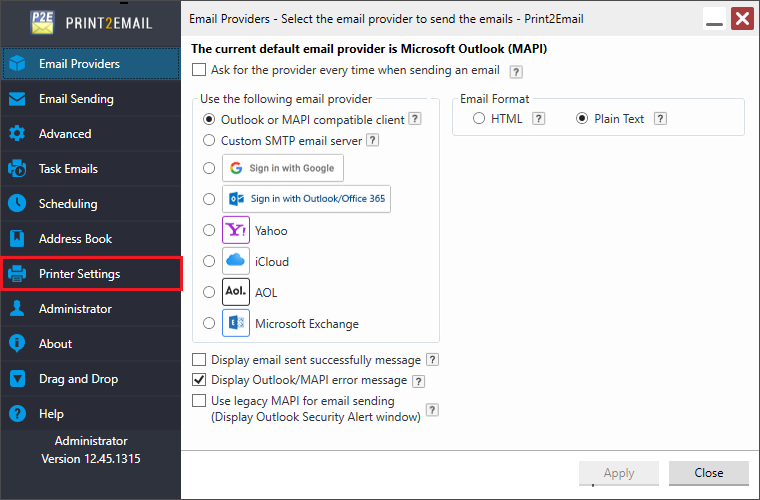
For complete details on the available printer settings, see the Printer Settings section of this manual.