
How to Send an Email without User Interaction (Silent mode)
The Print2Email Server can send emails silently, without user interaction, or from applications running under the system account.
To enable silent email sending:
- Go to Print2Email Server > Email Sending Rules tab.
- Select Silent - Send all emails automatically.
- Enter at least one recipient email address in the provided field.
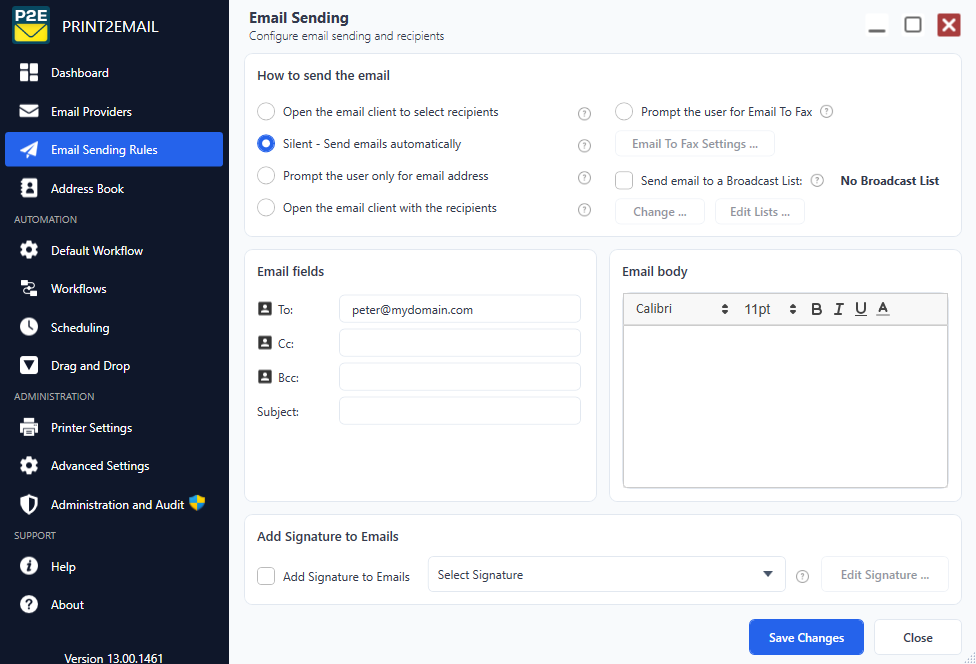
To apply the configurations, click Save Changes. When a document printed with the Print2Email Server, all emails will then be sent automatically to the configured recipient.