Changing the default Content-Engine in IceViewer HTML5
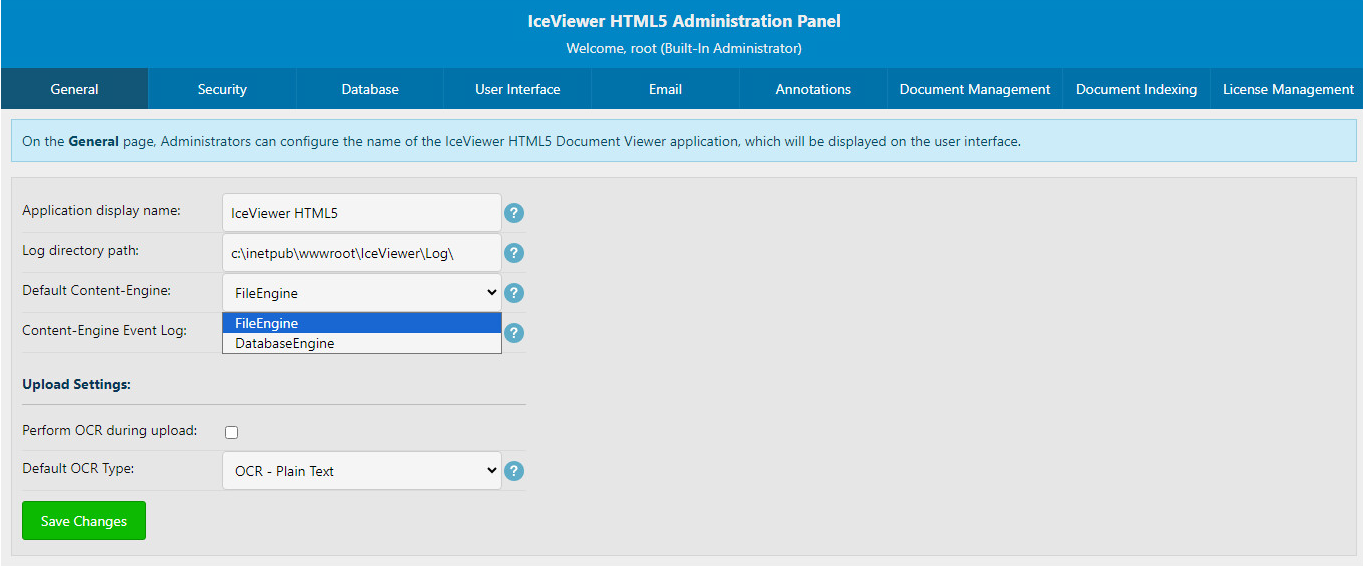
If you would like to change the default Content-Engine in IceViewer HTML5, please go to the Admin panel described in the IceViewer HTML5 Management section.
Under the General tab, change the Default Content-Engine dropdown to the default engine, then press the Save Changes button.