
Upload to Database Logging
The Upload to Database utility writes the occurred errors and successful uploads into a log file for audit and troubleshooting purposes.
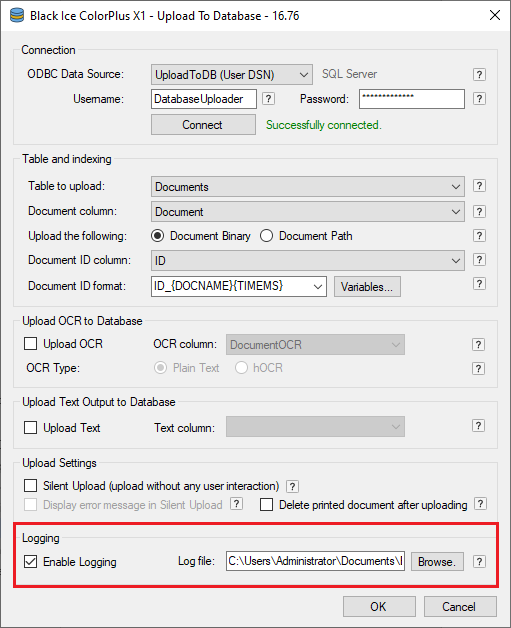
The log file by default is located at:
c:\Users\<USERNAME>\My Documents\BiUploadToDatabase.log
The log file contains the following information:
- Date and Time,
- Error code and message,
- Username initiated the download
- Filename
- ODBC Data Source
- In case of successful upload, the Document ID/Index.
The successful upload in the log file looks as the following example:
10/31/2019 11:59:59 | File successfully uploaded, John, c:\docs\MyDocument.TIF, odbc_Documents, ID_MyDocument_20191031115959222