|
|
|
New in the X1 Printer Driver
|
|
Complete PDF Cover Pages as Part of Your Print Workflow
|
|
|
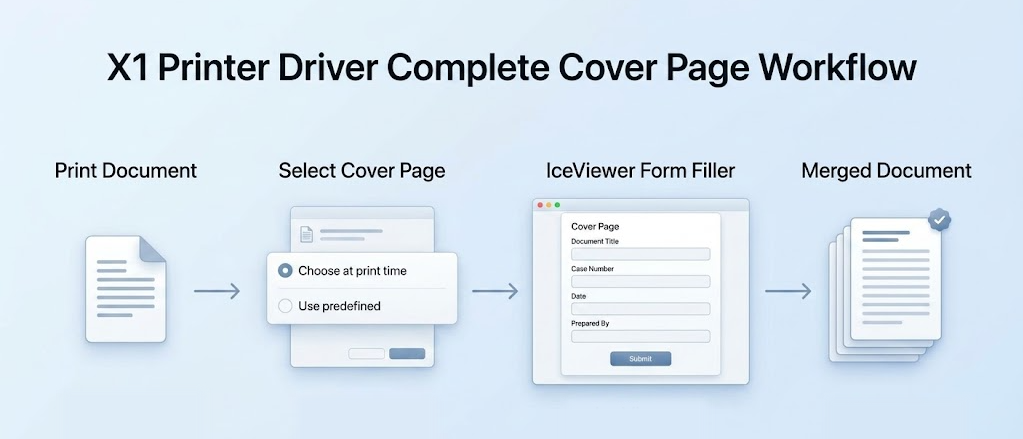
Select a cover page when printing, complete its fields in
IceViewer Form Filler, and merge it with your document.
|
|
|

|
Available exclusively in
the X1 Printer Driver
|
|
|
|
|
|
|
Flexible Selection
|
|
Choose a cover page for each print job.
|
|
|
|
|
Predefined Options
|
|
Automatically use a configured cover page.
|
|
|
|
|
Complete Before Merging
|
|
Fill in the cover page before final output.
|
|
|
|
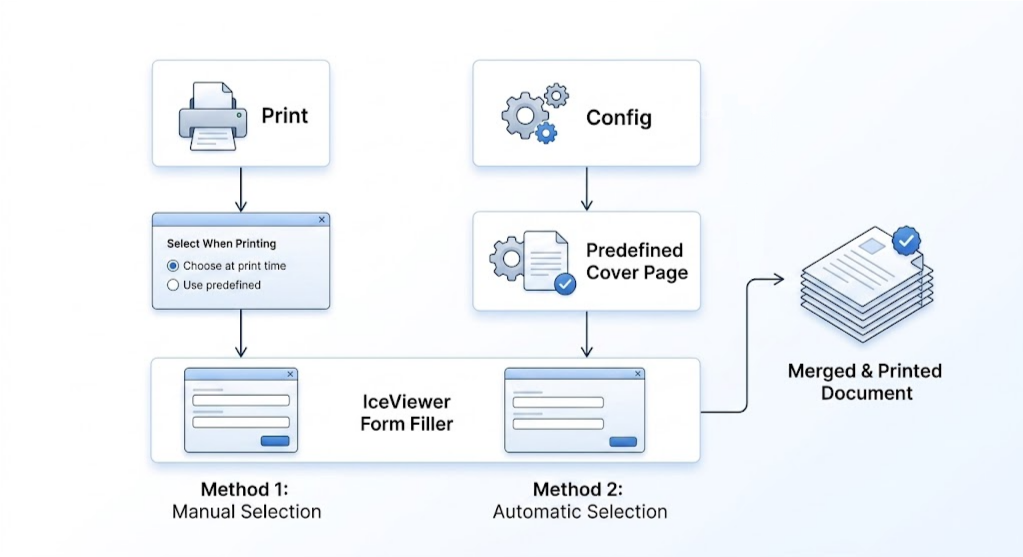
Choose It or Predefine It
Select the cover page you need when printing, or configure one in advance for a consistent workflow.
|
|
|
|
Cover Pages for Real-World Business Workflows
Add the information each print job requires before the completed
cover page
is merged
with the document.
|
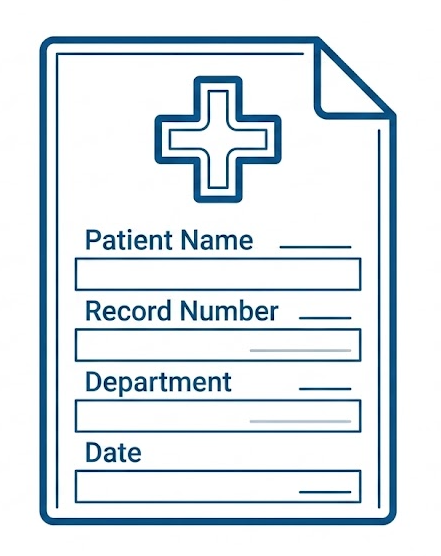
Healthcare & Records
Complete patient, record, department, or
recipient details
on a
standardized cover page.
|
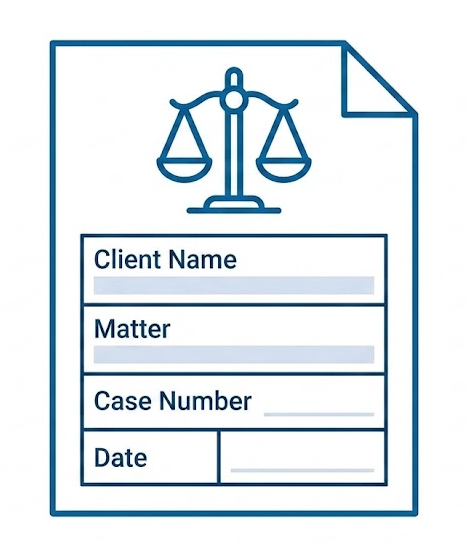
Legal & Case Documents
Enter client, matter, case number, or routing
information
before final
output.
|
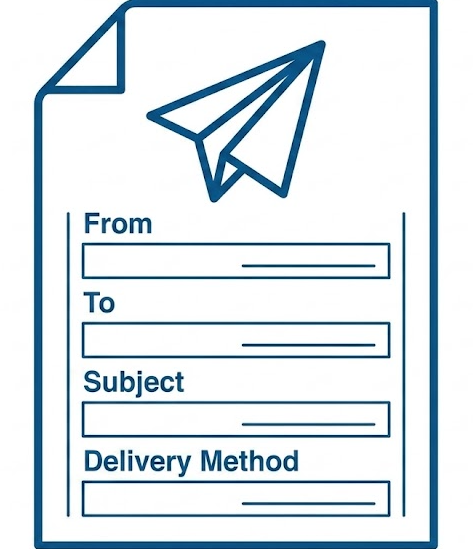
Document Distribution & Faxing
Add sender, recipient, subject, delivery, or
handling
instructions to
outgoing documents.
|
|
|
One standardized cover page. The right information for every
print job.
|
|
|
Streamline Cover Pages with the X1 Printer Driver
Upgrade to Version 18.00 to add completed cover pages directly
to your print
workflow.
|
|
|
Available exclusively
in the
X1
Printer Driver
|
|
|
|
Version 18.00 • Revision 3543 • Released August 28, 2026
blackice.com
Black Ice Software, LLC | 950 Peninsula Corp Circle Suite 2017, Boca Raton,
FL 33487
USA
www.blackice.com
|
Telephone: 1(561)-757-4107
|
|
|