Installing multiple printers within the demo period
NOTE: Within the demo period, the Black Ice Printer Driver allows you to have three multi-printers on the same computer. Multiple printers can be registered with a multi-printer license.
- During the Printer Driver installation, select the number of printers to install.
.png)
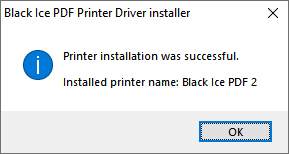
- After completing the installation, the printers are successfully added and ready to be used.
.png)
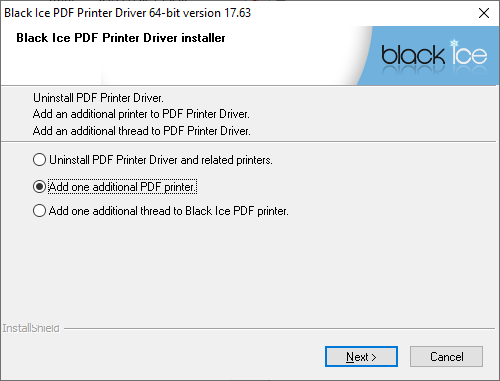
If the evaluation version of the Printer Driver is already installed without additional printers, one can add printers by running the Printer Driver installer executable again. On the installation window, select the Add one additional printer option and click Next.
When the installation is complete, a window appears confirming that the selected number of printers has been installed successfully.