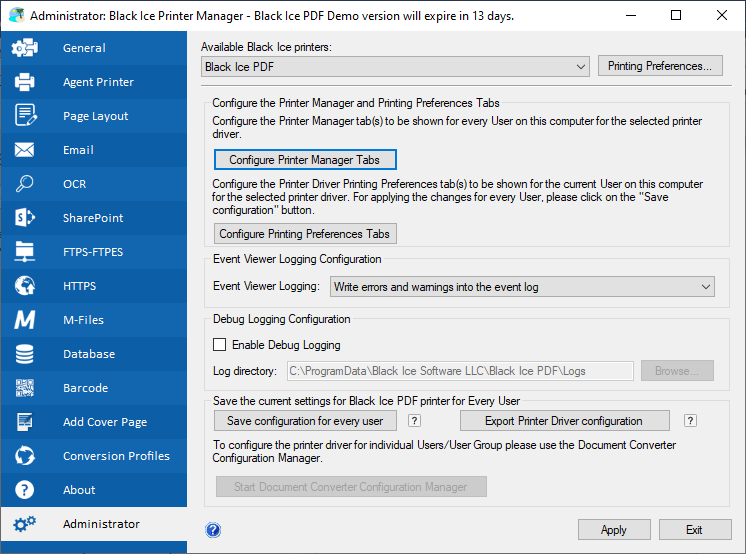
Configure Roaming Profiles of Domain Users or New Users.
This section describes step-by-step instructions on how to reconfigure an already installed Black Ice printer driver through Group policy using a Black Ice Printer Driver profile file (.bip) file or to configure printer driver for Domain Users or Roaming Profiles Domain Users.
Black Ice Software provides a utility “BiSetProfileFile.exe” that can be executed with a script when the users log in to the system.
Unzip BiSetProfileFile.zip, which contains the following files:
- BiSetProfileFile.exe
- BlackIceDEVMODE32.dll
- BlackIceDEVMODE64.dll
To use BiSetProfileFile.exe:
- Create Black Ice Profile File
- Run the BiSetProfileFile.exe with the following parameters:
- Printer name
- Profile file with full path
For example:
Copy the exported profile file (BiProfile.bip) to the shared directory
Open the Group Policy Management and add new logon script:
Add Script Name:
[Shared directory path]\BiSetProfileFile.exe
Add Script Parameters:
"[Printer name]" "[Shared directory path]\BiProfile.bip"
Click on the OK button and apply.