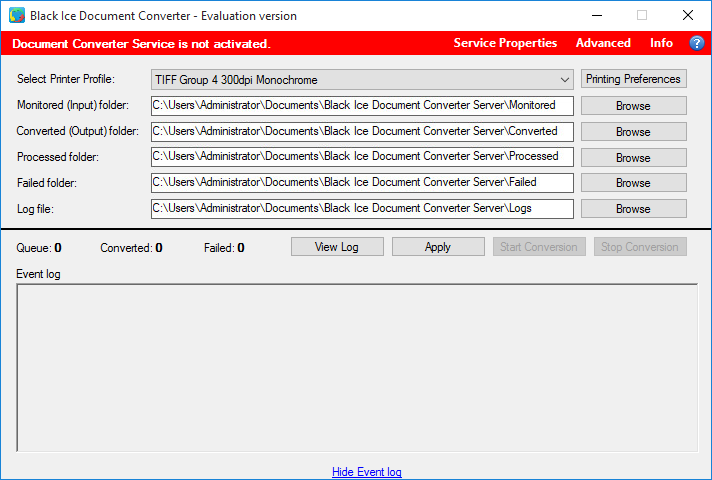
When starting up the Document Converter Server Service, the red line indicates that the service is not installed.
To install the service, open a Command Line as Administrator, navigate to the Document Converter Server installation directory and enter the following command:
Document Converter Server Service.exe "Domain and Username" "User Password"
The Domain and Username and User Password must be substituted with an administrator account and password.
|
The Document Converter Server Service must run under a local administrator account who already once logged in on the computer. The Document Converter service cannot run under system account. |