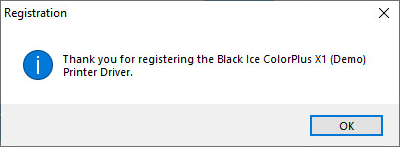
Demo versions of the OEM Printer Drivers will require registration. In most cases this will happen in the background and the following screen will appear:
However if the setup could not connect to the Black Ice License Server (maybe due to firewall restrictions), the following screen will appear:
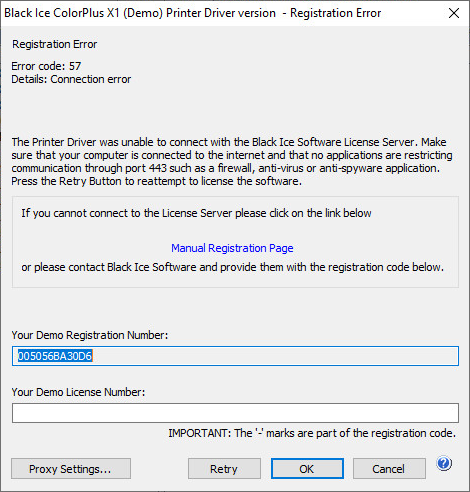
In this case the registration has to be done through the internet using the Manual Registration Page. Please follow the online instruction to receive a demo license number, which will need to be pasted in the “Your Demo License Number” input box.
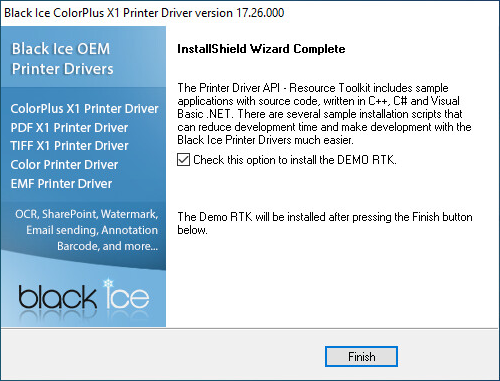
Having finished registration, the setup will present the option to install the Resource Toolkit - API for the given printer driver.
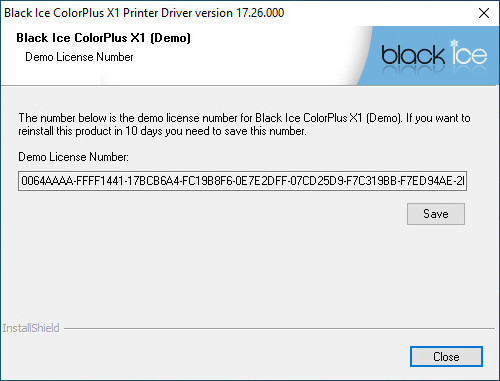
If you need to uninstall the printer driver during the demo period you will be able to reinstall within 10 days if you save your Demo registration number. This license number will be required during the registration step of the new install.
Thank you for installing Black Ice Printer Driver!