The following section describes how to check the Black Ice Printer Driver version number and if the Black Ice Printer Driver is registered or not.
To check the Black Ice Printer Driver version number, go to the Control Panel > Devices and Printers > right click on the Black Ice Printer Driver > Printing Preferences > click on About button on the Device Settings Tab.
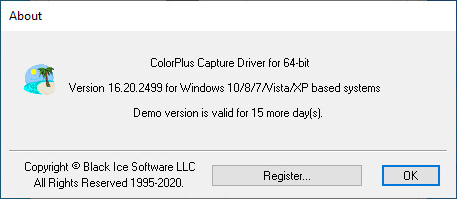
The following window appears with the version number and the remaining days from the evaluation period.
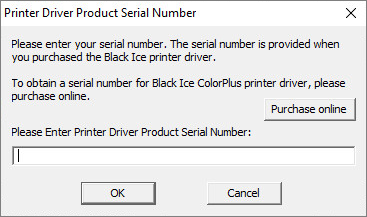
To register the product, click on the Register button, and provide the obtained license number.
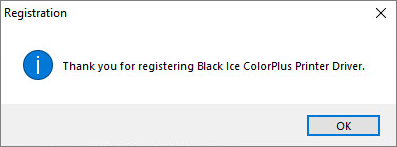
If the registration was successful, the following window appears:
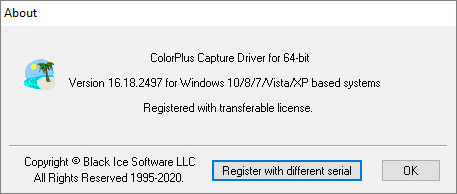
Once the Printer Driver is successfully registered, the ‘Register’ button will be changed to ‘Register with different serial’ and the About window will look as the following: