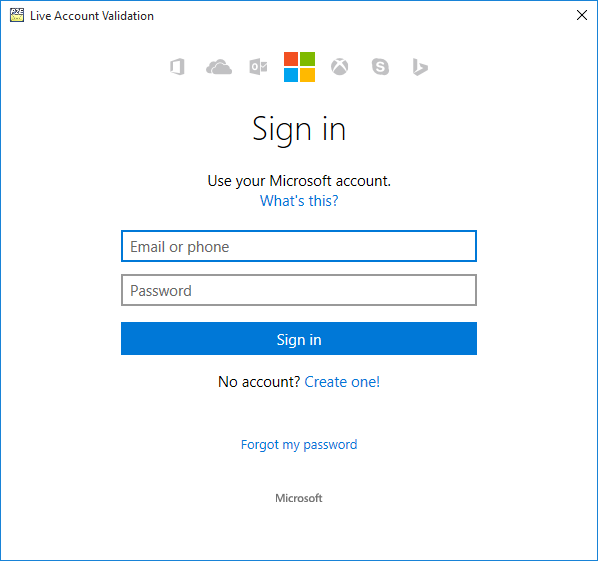
To import the contacts from Outlook.com, click on the Import from Outlook.com button, enter your Outlook.com credentials, and click on Allow to allow Print2Email to access your contacts.
Click on the Yes button to allow Print2Email to import your contacts.
