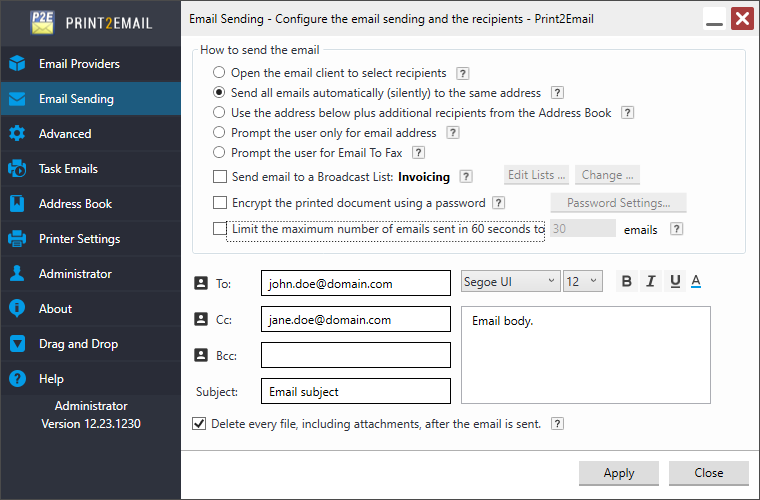
Users can configure which fields are available for user input in the Print2Email Email Sender window. On the Advanced tab, users can enable or disable options to define which fields are displayed.
For example:
The user interface can be limited to only use the “To” field by unchecking the Cc, Bcc, Email Subject, and Email Body checkboxes, as shown in the example below: