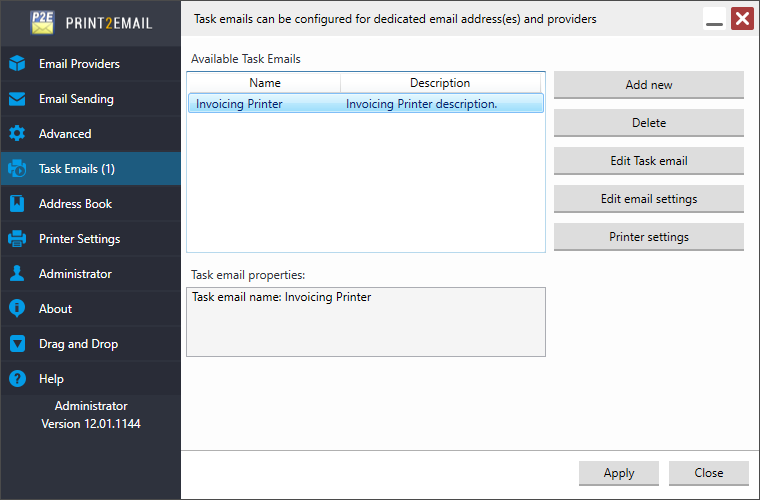
The user can specify a limit on the number of emails that can be sent within 60 seconds. When the Send all emails automatically (silently) to the same address option is enabled on the Email Sending tab.
This feature is useful for users whose email provider limits the number of emails that can be sent within 60 seconds. For example, Office 365 users have a limit of 30 emails per 60 seconds.
To configure the limit, enable the Limit the maximum number of emails sent in 60 seconds to [specified number] emails option on the Advanced tab and enter the desired value. If this option is enabled, the default limit is 30 emails.