
The error “Windows cannot connect to the printer” and error code 0x00000BCB means that the Print2Email Server printer driver is not installed on the client computer.
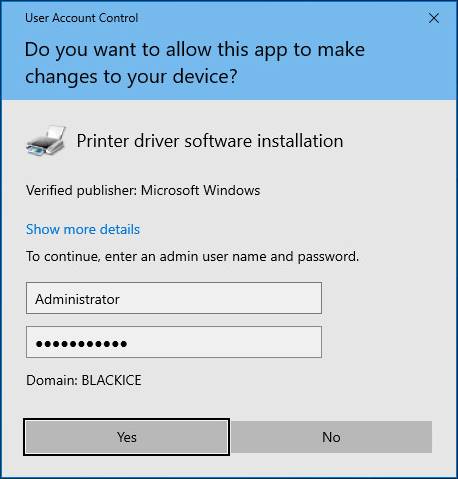
Since the August 2021 Windows updates, only Administrators are allowed to install printer drivers.
Once the printer drivers are installed, users can attach the printers.
Workaround solution, please follow these steps:
Please copy the Print2Email Server printer driver directory from the Windows Server to Windows 10 64-bit.
Print2Email Server printer driver location is [Installed Print2Email Server]\Driver directory.
By default: c:\Program Files\Black Ice Software LLC\Print2Email Server\Driver directory.
Log in as an administrator to the Windows 10 client.
Navigate to the Devices and Printers and add the Print2Email Server printer driver:
Select any printer, for example, the Fax printer.
Click on the Print server properties option:
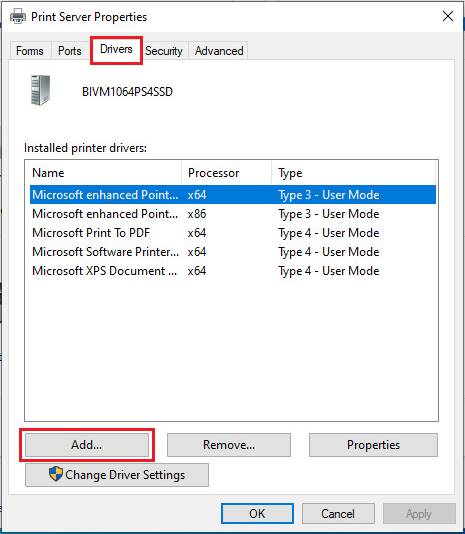
Navigate to the Drivers tab and click on the Add… option:
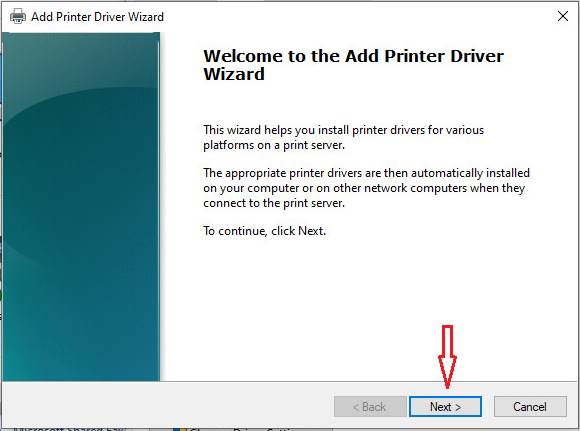
Click on the Next > option:
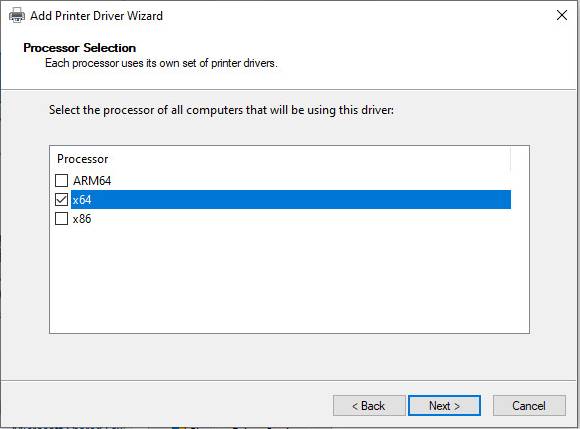
Select the x64 on Windows 10 64-bit or x86 on Windows 10 32-bit and click on the Next > option:
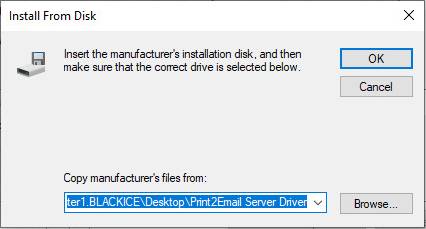
Click on the Have Disk… option:
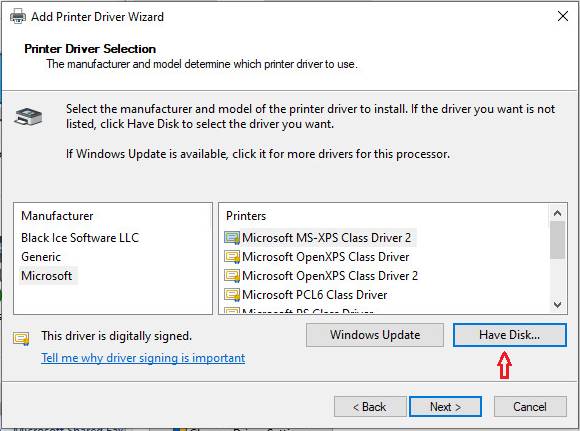
Browse the Print2Email Server Driver directory:
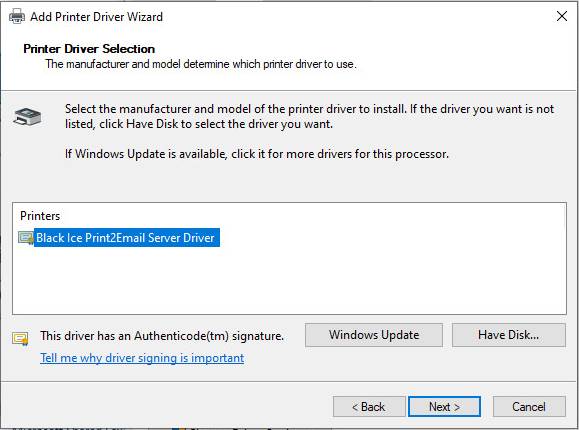
Select the Black Ice Print2Email Server Driver and click on the Next > option:
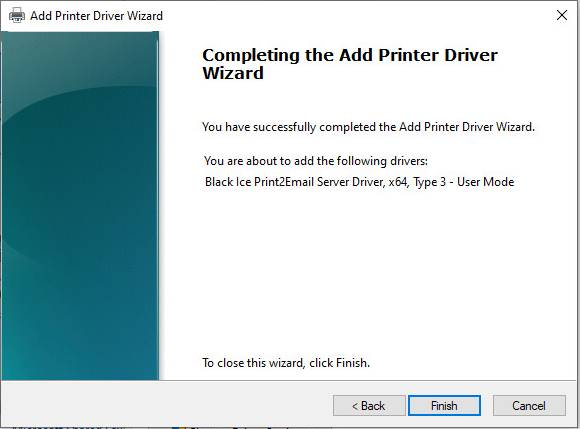
Click on the Finish option:
Type your Domain Administrator authentication and click on the Yes option:
The Black Ice Print2Email Server Driver has been installed.
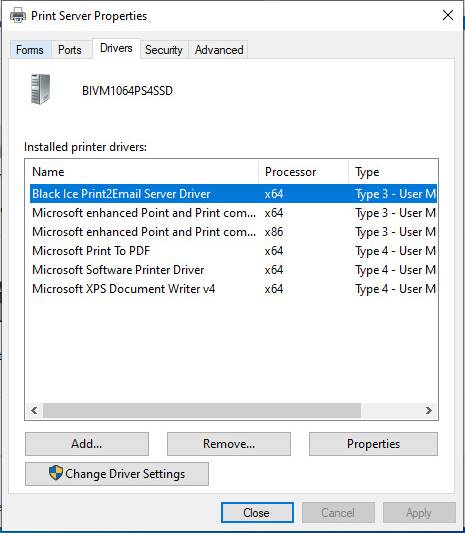
Please try to connect to the Print2Email Server printer again.