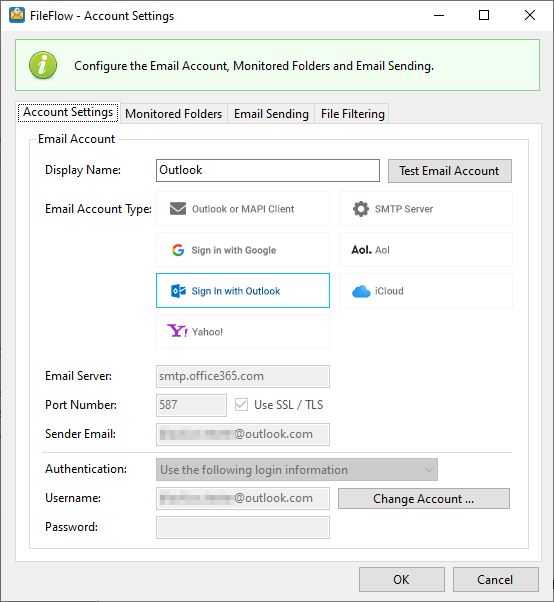
To configure the FileFlow to use Outlook for email sending, please click on the Sign in with Outlook option on the Account Settings window.
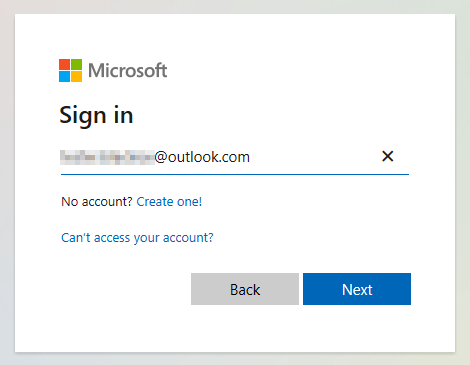
On the appearing window, please sign in to your Outlook.com account by providing the required credentials. Click Next to continue.
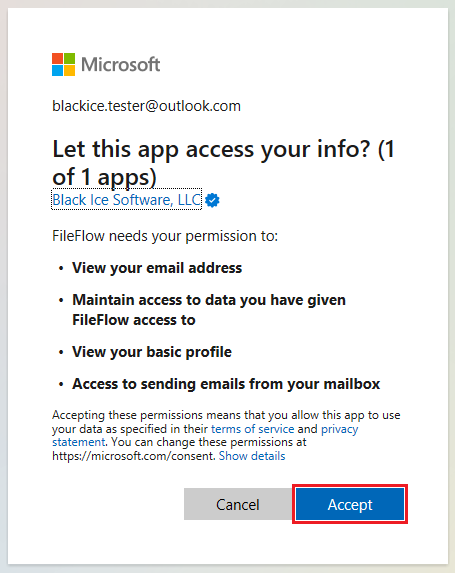
On the next screen, please accept the permissions, and click on the Accept button to continue.
Now the FileFlow is configured to send emails with the configured Outlook account. To test the email sending, click on the Test Email Account button and see if the configured email account receives a test email.