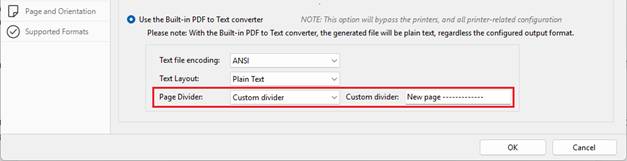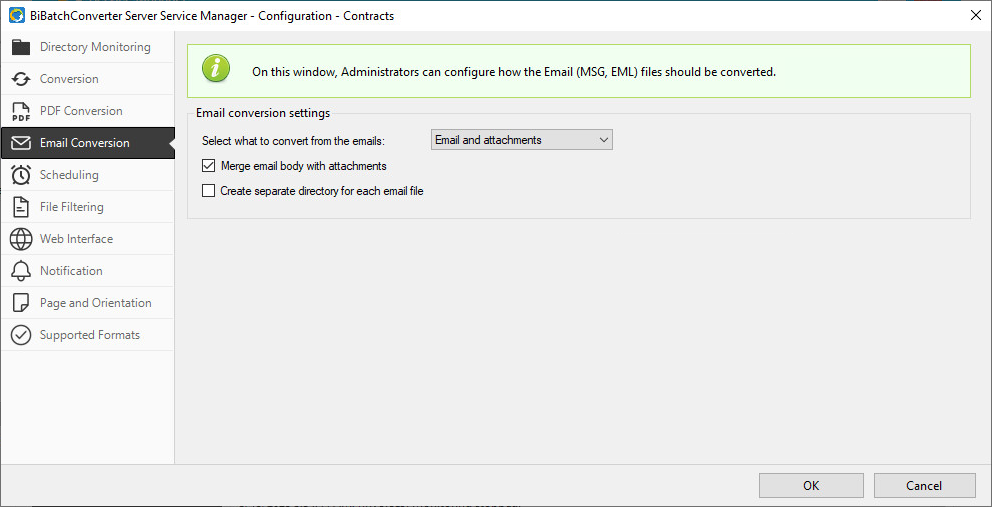
Under the PDF Conversion tab, the application used for PDF conversion can be selected. The BiBatchConverter Server Service supports 32-bit Adobe Reader 10 or higher, 32-bit Adobe Acrobat Pro 10 or higher, and Foxit Reader 9.6 or higher.
By default, the Adobe Reader or Foxit Reader option will be selected, depending on which application is installed on the computer. If both applications are available, Foxit Reader will be selected by default.
If Adobe Reader and Foxit Reader are not available, users can utilize the built-in PDF converter for PDF generation. Please note, by using the built-in PDF converter, the converted PDF document will no longer be editable.
Use the Built-in PDF to Text converter
The Use the Built-in PDF to Text converter option enables BiBatchConverter to extract text directly from PDF documents without relying on Adobe Reader or Foxit Reader. When the Use the Built-in PDF to Text converter option is selected, the BiBatchConverter Service bypasses the printer and all printer-related configuration settings. The generated output will always be a plain text file, regardless of the configured output format on the Conversion tab.
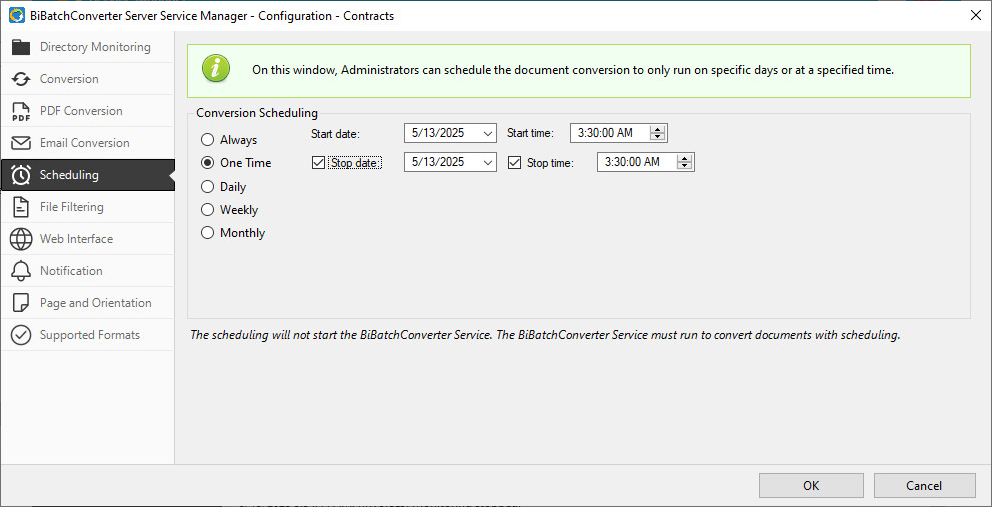
The following settings are available to customize the resulting text:
Text file encoding
The Text file encoding option enables users to configure the encoding of the generated text file. Available options include ANSI, UTF-8, and UTF-16.
Text Layout
The Text Layout option determines how the extracted text should be structured. The following options are available:
· Plain text
The Plain text option produces linear, continuous text.
· Preserve Layout
The Preserve Layout option attempts to retain the original layout of the PDF document, including column alignment and spacing.
Page divider
The Page Divider option controls how BiBatchConverter separates the pages of a converted PDF in the output text file. The following options are available:
· No divider
The No divider option places the text from the PDF document consecutively in the generated text file, without inserting any separator or indication of where new pages begin.
· New line character
The New line character option inserts a line break in the generated text file at every point where a new page starts in the original PDF document. This allows users to clearly see the separation between pages while keeping all page content in sequence.
· Custom divider
The Custom divider option inserts a user-defined text string in the generated text file at every point where a new page starts in the original PDF document. Since text files do not have page breaks, this string acts as a clear separator between pages. To use it, enter the desired text in the Custom Divider field.