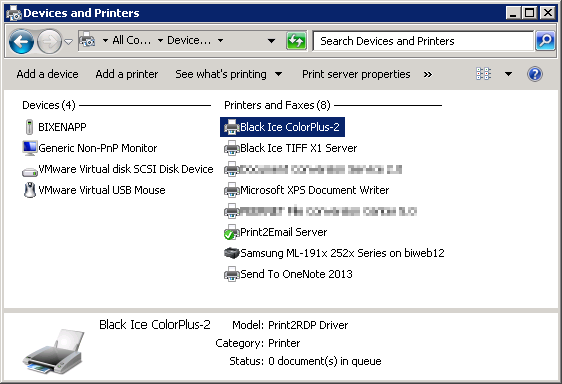
This problem appears when users log on at the same time, or a user is already logged on when another user logs on, and the Printers and Devices window is open.
It is a known issue with the Microsoft Windows Remote Desktop Connections. The printer is mapped but the security is not set correctly for the users, therefore the printers shows up in other user’s session.
The incorrectly showed up printers cannot be used by not eligible users.
NOTE: If User A’s printer is showing up at User B’s RDP session, User B cannot print, or configure the printer, since the access of User B is denied for the given printer.
Additional information for Adobe Reader
Additionally, Adobe Reader caches the printers list when the Print option is selected. When “user A” is already logged on, and “user B” logs on, and “user A” opens the Print option in Adobe Reader, the printer list will be cached by Adobe. This cashed list can contain a printer mapped by “user B”. The incorrectly cached printer can be removed with “user A” logging off.