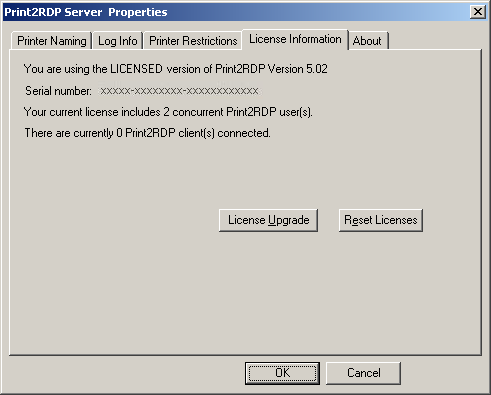
Occasionally, the termination of a printing session is incomplete and results in stuck licenses. The Reset Licenses button allows System Administrators to clear these licenses from the Print2RDP Server.
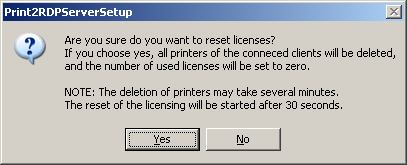
Pressing the Reset Licenses button displays the alert below. Any users logged in lose printing ability after 30 seconds, and have to log off and log back in to resume printing:
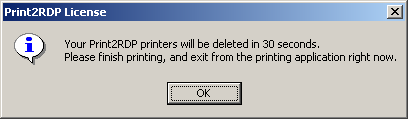
When the System Administrator presses the reset button the users are prompted with the following windows:
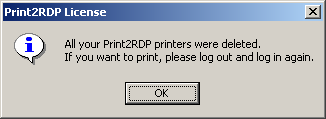
Once the process is complete, the users are prompted to log off and start a new session to recover their printers.