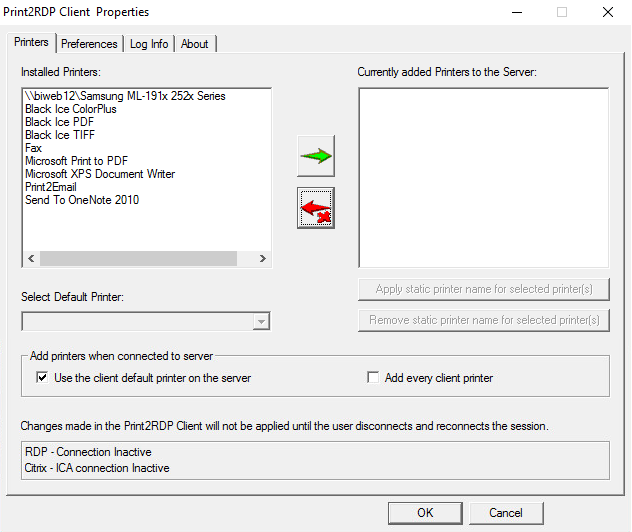
Navigate to the Start Menu > Programs > Print2RDP Client > Print2RDP Client Properties. The Print2RDP Client Properties dialog appears.
Select the item to remove from the Print2RDP system.
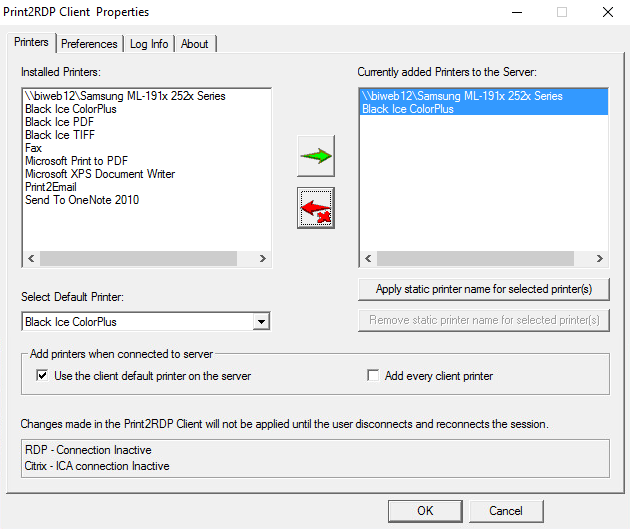
Press the red arrow and the selected item is moved to the unmanaged side of the Print2RDP application.